- Big Brother Watching? To much info, or a cool program?
- Adding an overlay into Real Time Tracker
- Real Time GPS Tracker Part 2
- Real Time GPS Tracker Part 3
Been playing around with this, and found how to add an overlay.
Seems like it has a lot of possibilities, especially on known routes such as established races.
If you run with a GPS watch, you can probably make an overlay easily from the watch data. I did one below.
Save the file as a KML.
Add it to a directory on your web host.
Put the URL to the KML file in the Real Time Tracker set up “Custom Map Overlays”, like this.
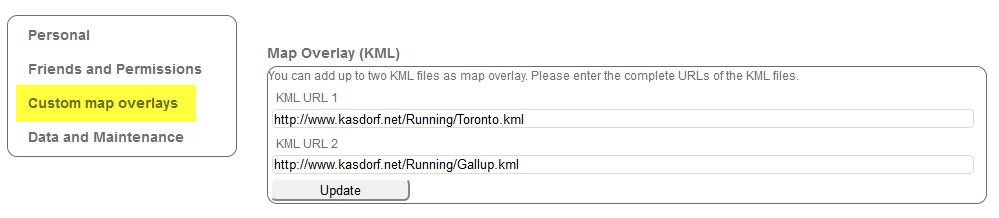
Adding a KML file to Real Time Tracker
The go to the Map page, scroll around the map until you find where the run is.
You are ready to go. I need to get out and try this soon. I am hoping it will add a track right on top of the “planned course”. I see this as really useful when out of town running a race so others can watch the progress. Actually even if they are at the race, they can track on a smart phone to see right where I am at, like coming to an aid station, or nearing the finish line! Pretty cool!
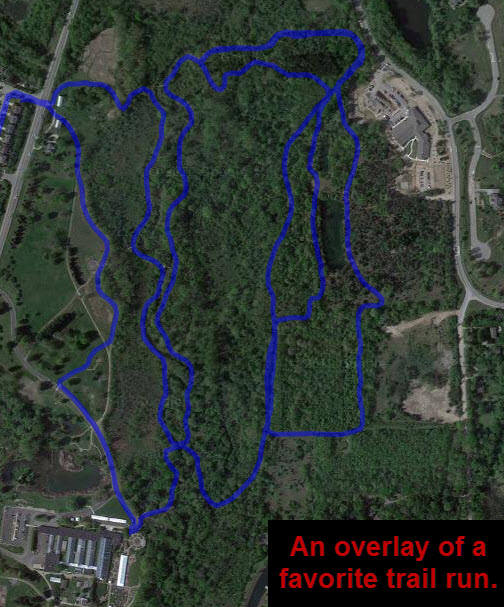
A favorite trail run overlay KML.
The Scotiabank Toronto Waterfront Marathon route created as a KML file and added to Real Time Tracker.
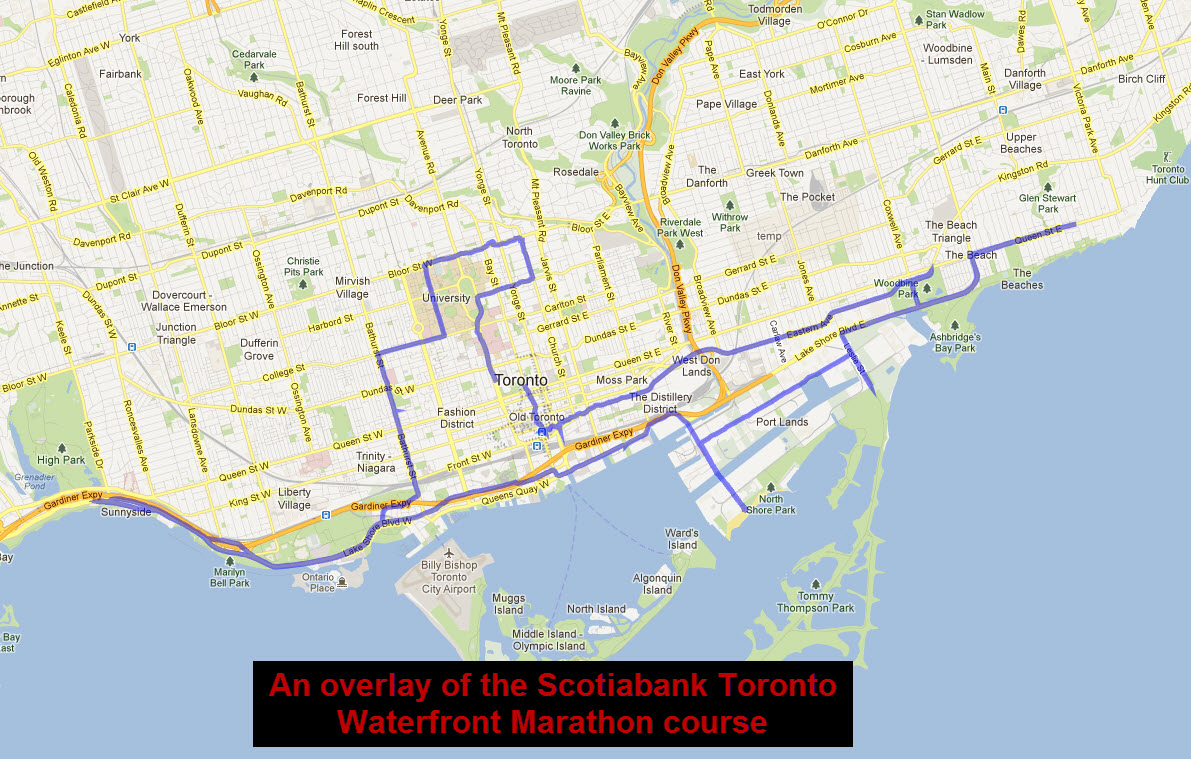
The Scotiabank Toronto Waterfront Marathon overlay KML