- Making 360° Tours
- Ipanorama using Tour iframe URL+Name and URL+ID
- 360 Pano Test using Short Code and Sceneid.
- Creating a Border and Specific Window Size
- Specify opening scene in iPanorama.
- Playing with Borders
- Flat picture with Video Introduction using iPanorama.
- iPanorama – Using Banners for Information.
- iPanorama Cube Image Format Test
- iPanorama Add a NADIR or ZENITH Logo
Easy enough to add.
Create your tour.
Create your Scene
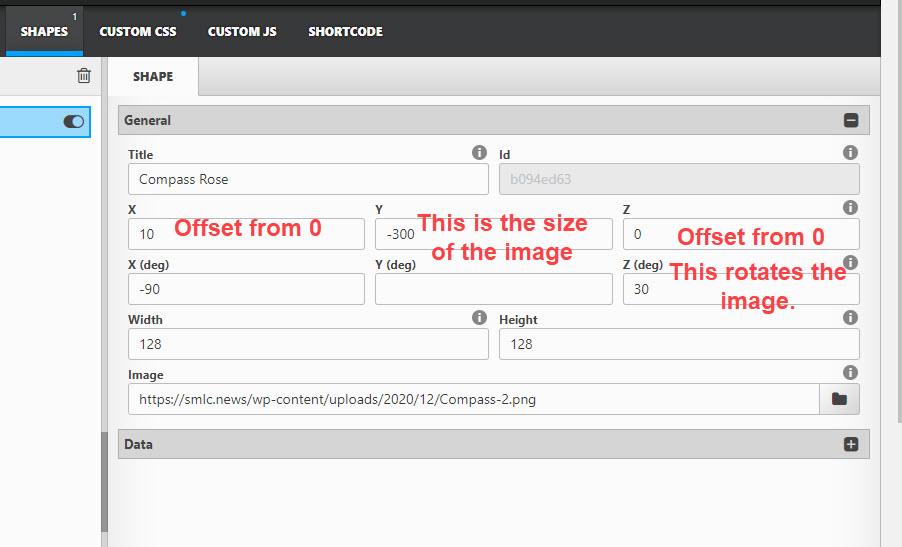
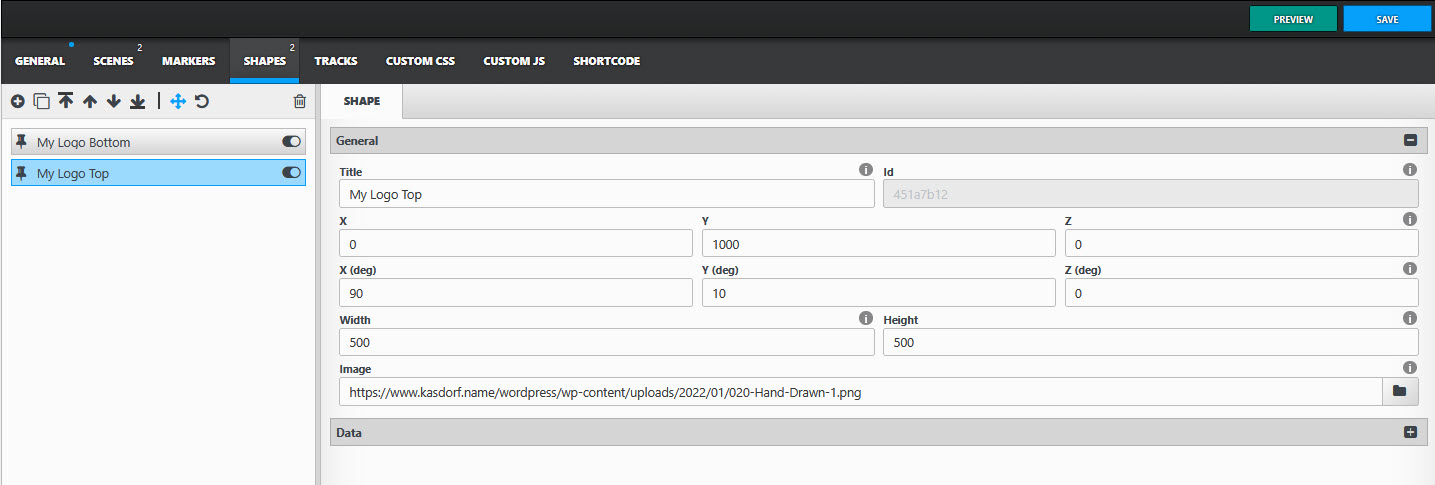
In your Scene create a SHAPE.

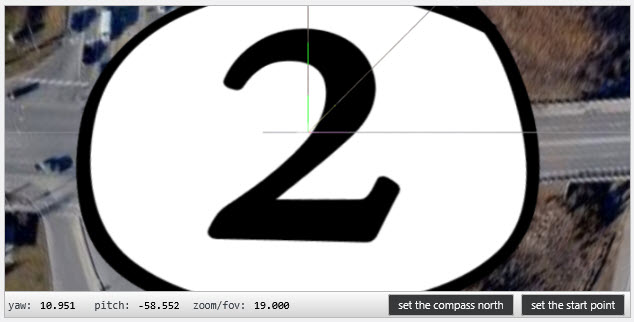
NOTE: If you zoom in on the photo you should see handles that will allow you to directly drag the logo around where you would like it placed.

You will have to do this for each scene.
It should end up like this.
Have fun!